macOS Utility · Free · Notarized
DejaVu
The clipboard history Mac users keep expecting to exist. Press ⌘⇧V and bring back copied text or images instantly, with a quiet menu bar app that is there the moment you need it and invisible the rest of the day.
Free · macOS 13 Ventura or later · 2.1 MB · Notarized Developer ID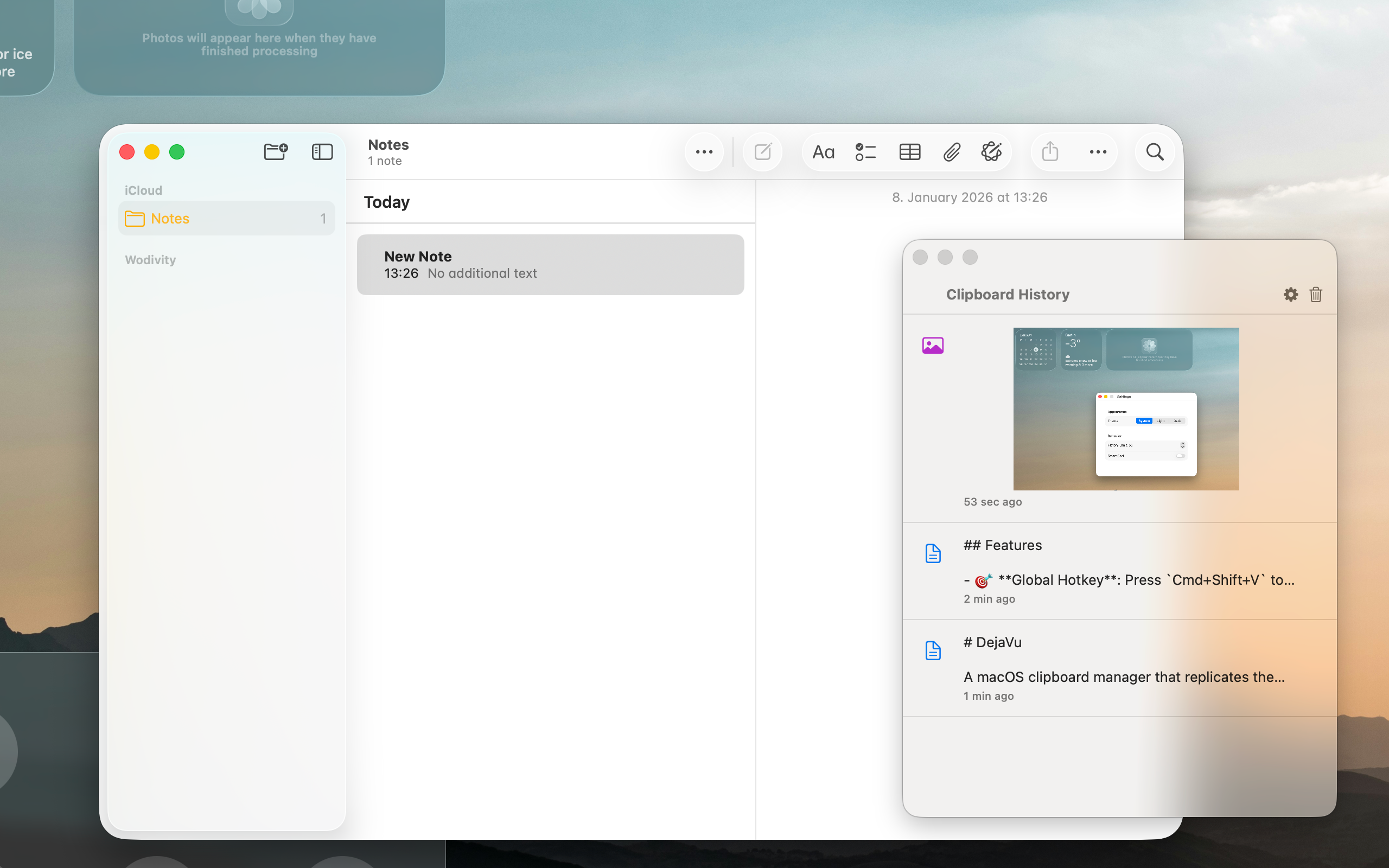
In Use
See why it becomes muscle memory fast
Clipboard panel floating over any app — text and image entries side by side
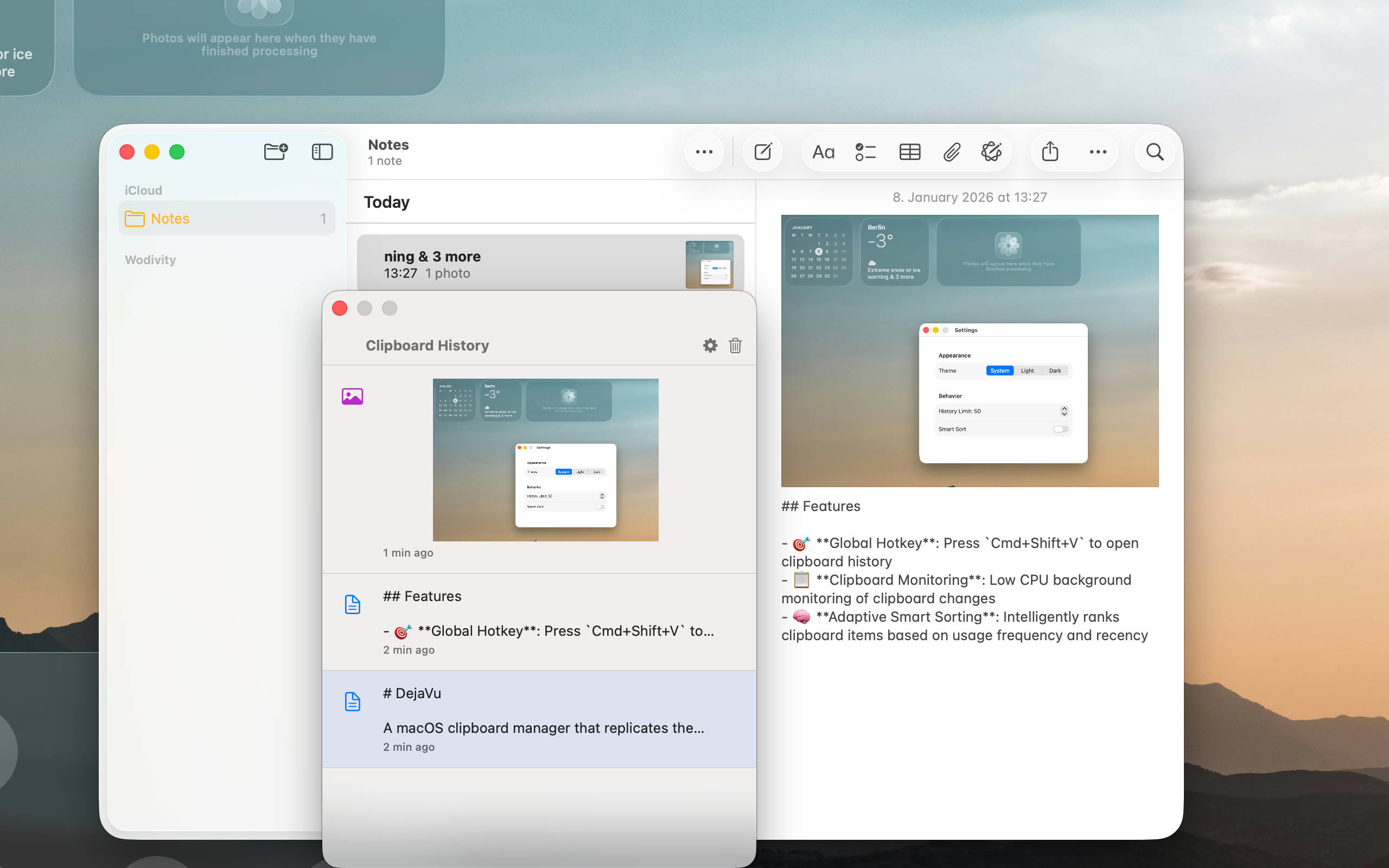
Settings: choose Appearance (System/Light/Dark), history limit, and Smart Sort
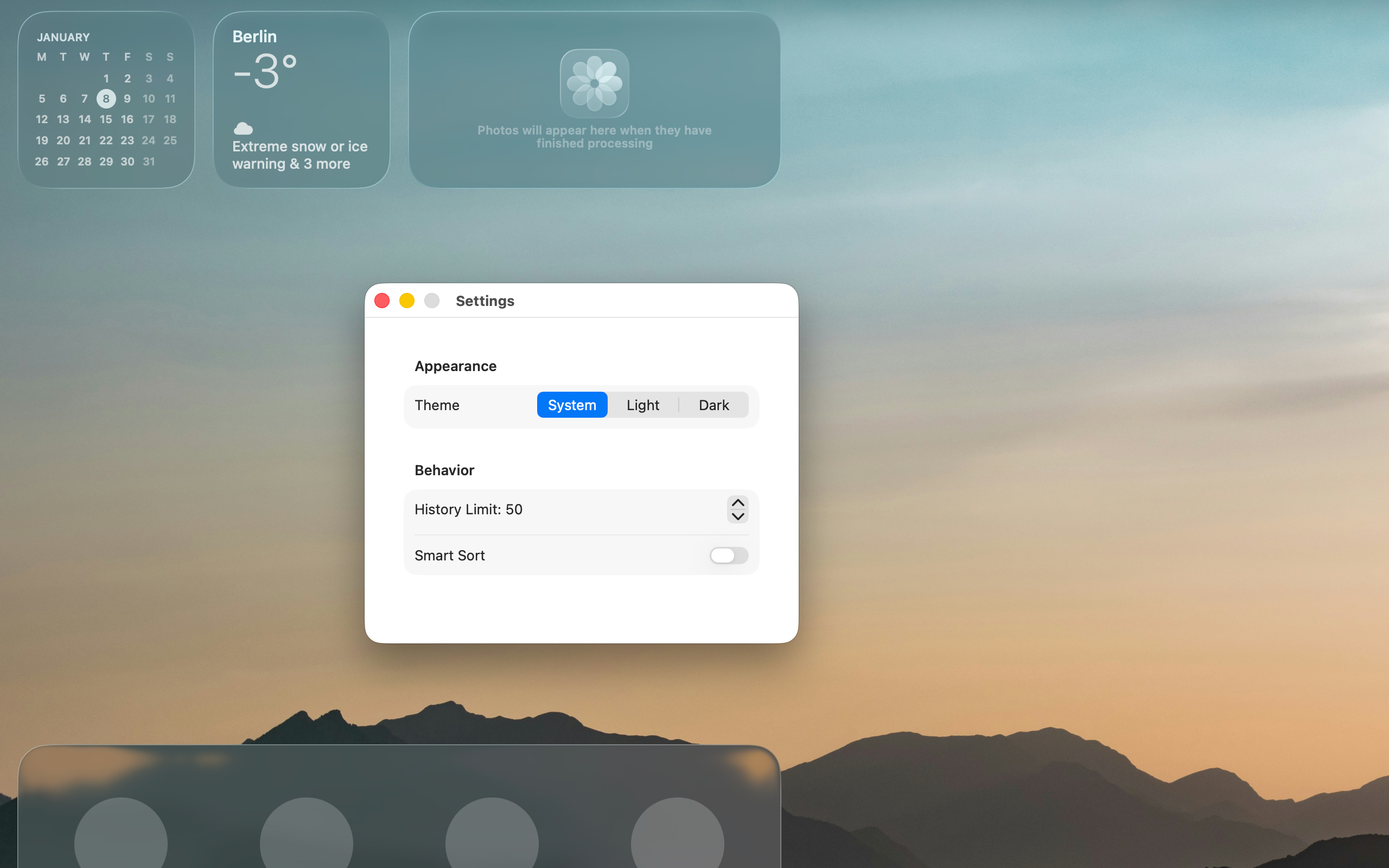
Lives quietly in your menu bar — one keystroke away, no dock icon required
What it does
Everything you wish macOS already had
Global shortcut
Press ⌘⇧V from any app to open your clipboard history instantly — just like Win+V on Windows.
Text & images
DejaVu remembers both text snippets and copied images. No more losing that screenshot you copied two steps ago.
Smart sorting
The things you use most often rise to the top, so your clipboard starts to feel like it knows your habits.
Lightweight all day
Less than 0.1% CPU, 10 MB RAM, and 5 MB on disk. It runs all day without you noticing it.
System, Light, or Dark
Appearance follows your macOS theme automatically, or lock it to Light or Dark from the settings screen.
50-item history
Configurable history limit keeps things snappy. The full list is always just a keystroke away.
Free to download
DejaVu 1.1 is signed and notarized for a normal Mac install. Download it, move it to Applications, and start using it without workarounds.
- Download and open DejaVu_1.1_signed.zip
- Drag DejaVu.app to your Applications folder
- Launch DejaVu — it will ask for Accessibility permission once
- Press ⌘⇧V anywhere to open your clipboard history
Help
Need help with setup or Accessibility access?
If you have questions about installation, Accessibility permission, or Mac App Store distribution requirements, contact us at wodivity@wodivity.de. We can help with setup issues and reviewer follow-up quickly.
Email DejaVu Help